

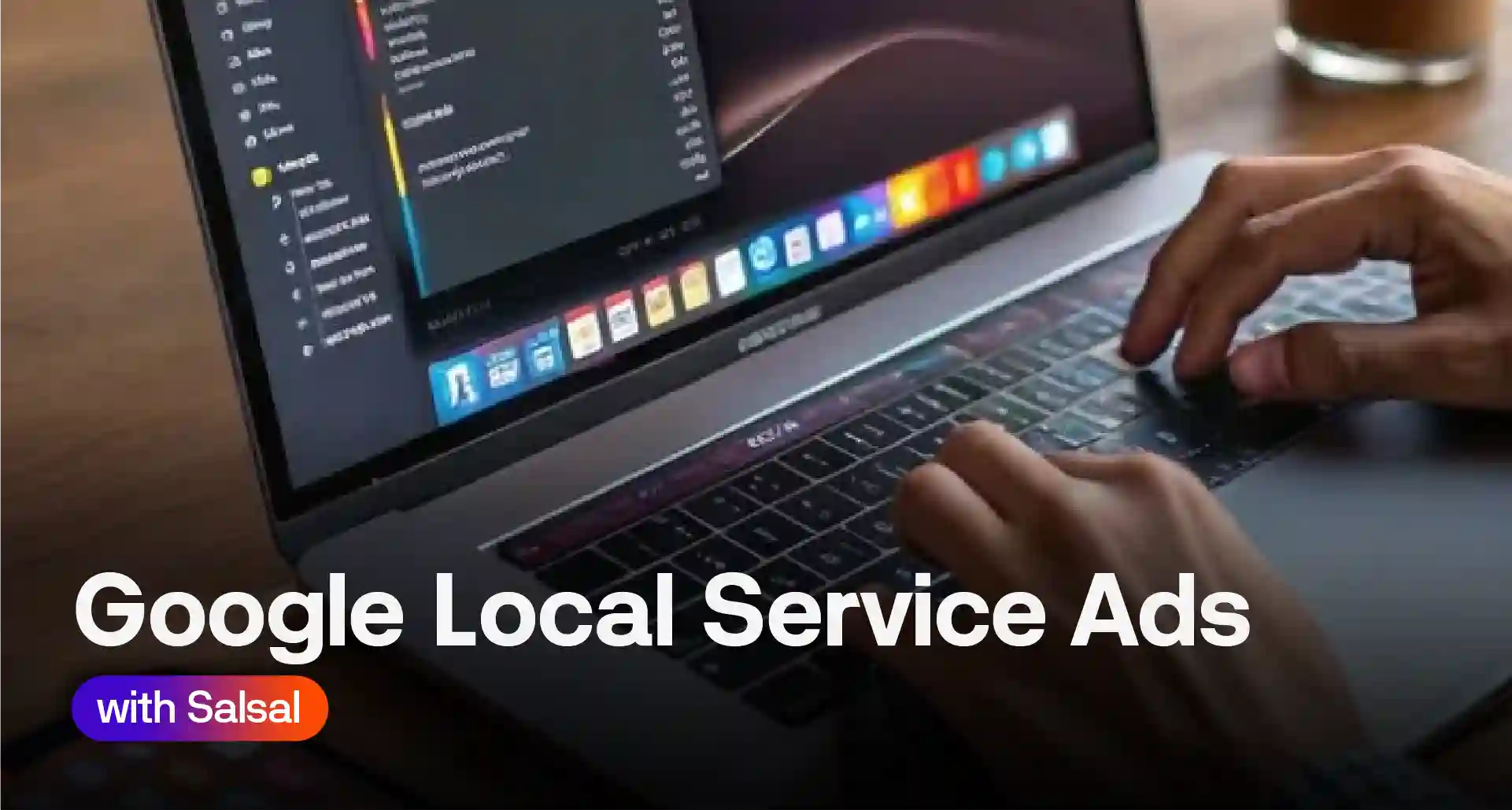
If you run a home service business in Newport News or anywhere in Hampton Roads, Google Local Services Ads are probably the fastest way to show up above everyone else on Google. They put your business at the very top of the search results, before regular Google Ads and organic listings. For contractors who rely on phone calls and quote requests, that spot matters.
What Are Google Local Services Ads?
Google LSA is a pay-per-lead ad format built for local service businesses. Instead of paying every time someone clicks, you pay when someone actually contacts you through the ad. That’s a real difference from standard Google Ads, where a click can cost you money even if the person never calls.
Local services ads also work differently from regular search ads. They don’t send people to your website. A searcher taps the ad, sees your reviews and hours, and calls or messages you straight from the results page. There’s no landing page in between.
You’ll usually see these ads sit above the paid search ads and above the map pack too, which is prime real estate for anyone searching “plumber near me” or similar.
Who Is Eligible for Local Services Ads?
Google Local Services Ads currently cover more than 80 categories across the US. In Hampton Roads, the most common ones are:
- HVAC contractor
- Plumber
- Electrician
- Roofer
- Locksmith
- Home security and pest control
To qualify, you’ll need a valid license where your state requires one, proof of insurance, and a background check for you and any staff who go into customers’ homes. Google runs the check itself, and there’s no cost to you for it.
The Google Verified Badge (Formerly Google Guarantee and Google Screened)
For a while, Google ran two separate badges. Google Guarantee applied to certain trades, and Google Screened applied to professional services like lawyers and financial planners. As of late 2025, Google folded both into one Google Verified badge. If you’re researching this and still see references to Google Guarantee or Google Screened online, that’s the older system. The requirements haven’t really changed, just the name and the look of the badge.
The badge still matters for the same reason it always did. It tells a homeowner Google has checked you out, which helps you win the call over a competitor who hasn’t bothered to get verified.
How Much Do Google Local Service Ads Cost?
Cost per lead varies a lot by trade and by how competitive your area is. Here’s a rough sense of what advertisers typically report.
| Trade | Typical cost per lead |
| HVAC | $30 to $80 |
| Plumbing | $25 to $65 |
| Electrician | $30 to $70 |
| Roofing | $40 to $95 |
| Locksmith | $15 to $40 |
These numbers move around, so treat them as a starting point rather than a guarantee. You set a weekly budget, and Google won’t send you more leads than that budget allows. If a lead turns out to be spam, outside your service area, or not the job type you actually do, you can dispute it and get credited back.
How to Set Up Google Local Services Ads
Setting up your profile isn’t complicated, but a few steps trip people up.
- Confirm your business type and service area qualify.
- Create a Local Services Ads profile, separate from your regular Google Ads account.
- Link your Google Business Profile.
- Submit your license and insurance documents.
- Complete the background check for yourself and relevant staff.
- Set your weekly budget and service categories.
Since Google moved LSAs under Performance Max with a pay-per-lead goal, some of the reporting now shows up inside your regular Google Ads dashboard rather than a separate one. That’s worth knowing going in, since older guides still describe the two as fully separate systems.
If this feels like a lot to manage alongside everything else, Salsal’s paid advertising team handles the setup and ongoing lead management for local businesses across the area.
How to Get More Leads From Your LSA Profile
Your ranking on local services ads depends heavily on reviews and response time. Google favors businesses that answer quickly, so leaving a lead unanswered for hours can quietly hurt your position.
A few things that genuinely move the needle:
- Respond to new leads within minutes, not hours
- Keep your Google reviews current and reply to them
- Add real photos of your work, not stock images
- Keep your service area and job types accurate, so you’re not matched to jobs you can’t take
Local Services Ads, Google Ads and Local SEO Together
None of these should work in isolation. Local Services Ads get you calls fast. Google Ads gets you clicks for services LSA doesn’t cover. Local SEO builds the long-term visibility that keeps showing up even when your ad budget runs low for the week.
Most guides on this topic, including Google’s own documentation, focus only on the LSA setup itself. What often gets left out is how your Google Business Profile listing, your reviews, and your citations all feed into how well your LSA profile performs. If your business name, address, and phone number aren’t consistent across directories, it can quietly work against you. Our NAP citation consistency guide covers how to fix that.
Common Mistakes to Avoid
A few mistakes show up again and again with local service ads:
- Setting the service area too wide, which leads to jobs you can’t actually reach
- Ignoring leads for too long and losing rank as a result
- Letting reviews go unanswered
- Treating LSA as a replacement for local SEO instead of a companion to it
Frequently Asked Questions
Is Google getting rid of Local Services Ads?
No. Google has changed how they’re managed, moving them under Performance Max, but the ad format itself is still active and growing.
Are Google Local Services Ads worth it?
For most home service trades, yes. Paying per lead instead of per click tends to lower wasted spend, though results still depend on your reviews and response time.
How much do Google Local Services Ads cost?
It depends on your trade and location, but most local businesses pay somewhere in the range shown in the table above.
How do I turn off Google Local Services Ads?
You can pause your budget or turn off individual job types directly from your Local Services Ads profile settings.
Ready to Start Getting Leads From Local Services Ads?
Setting up Local Services Ads correctly takes some trial and error, especially around budget and job categories. If you’d rather skip that learning curve, book a free consultation and we’ll set it up, or audit what you already have running.
Meta title: Google Local Services Ads: Cost, Setup and ROI Guide
Meta description: Google Local Services Ads explained: who qualifies, Google Guarantee vs. Screened, real cost per lead by trade, setup steps, and how to dispute leads.